
How Do You Use LinkedIn for Recruitment? | 2026 Guide
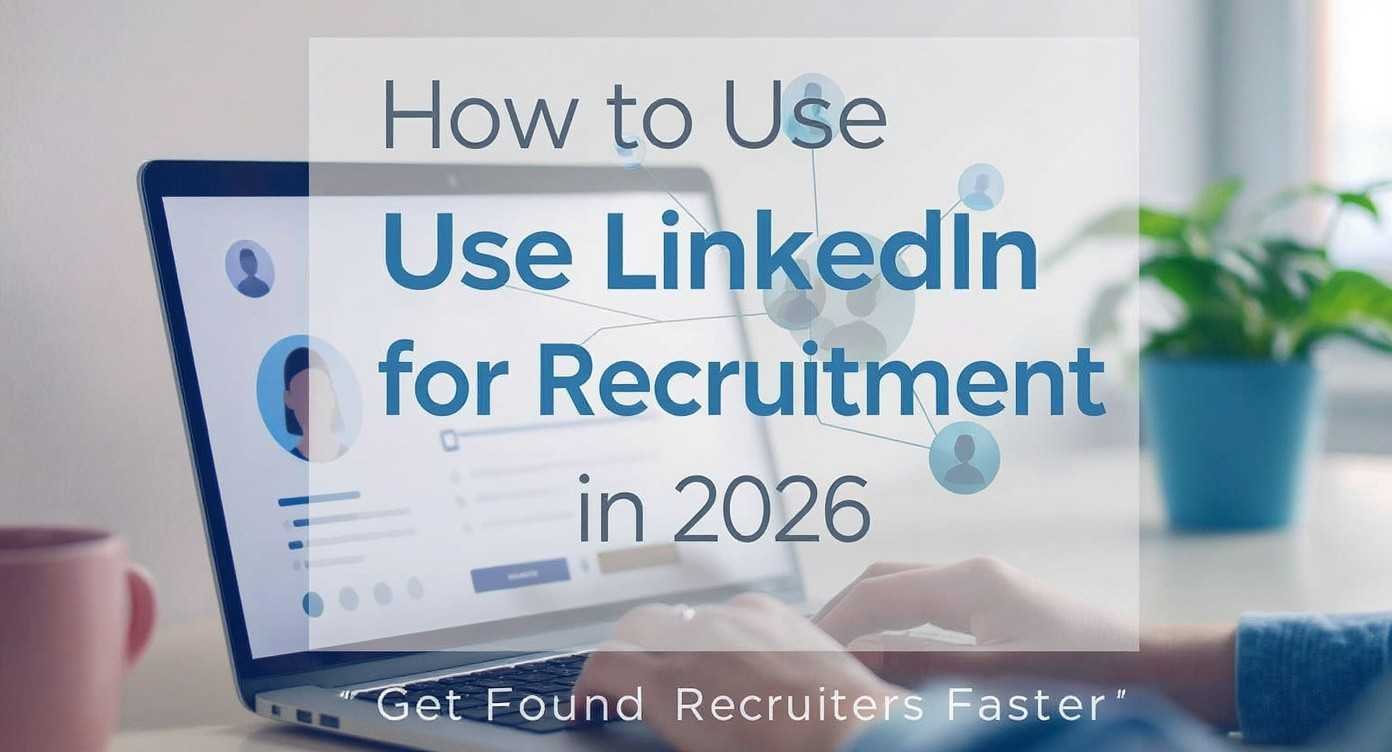
Most job seekers treat LinkedIn like a static resume. This is a mistake. In 2026, the platform functions as a real-time database where speed and keyword relevance dictate who gets the interview. If you want to know how do you use LinkedIn for recruitment, you must understand that it is a two-way street. Recruiters use it to hunt, and you must use it to be found.
We see thousands of candidates miss out on roles because their profiles are invisible to search filters. To change this, you need to align your digital presence with the specific metrics talent acquisition teams prioritise today. We will show you how to turn your profile into a lead magnet that works while you sleep.
How to Optimise a LinkedIn Profile for Recruiters
The search bar is the most powerful tool a recruiter has. If your profile does not contain the right data points, you do not exist in their search results. Start with your headline. Do not just list your current job title. Instead, include the specific hard skills and tools you use daily. This ensures you appear when people search for those specific capabilities.
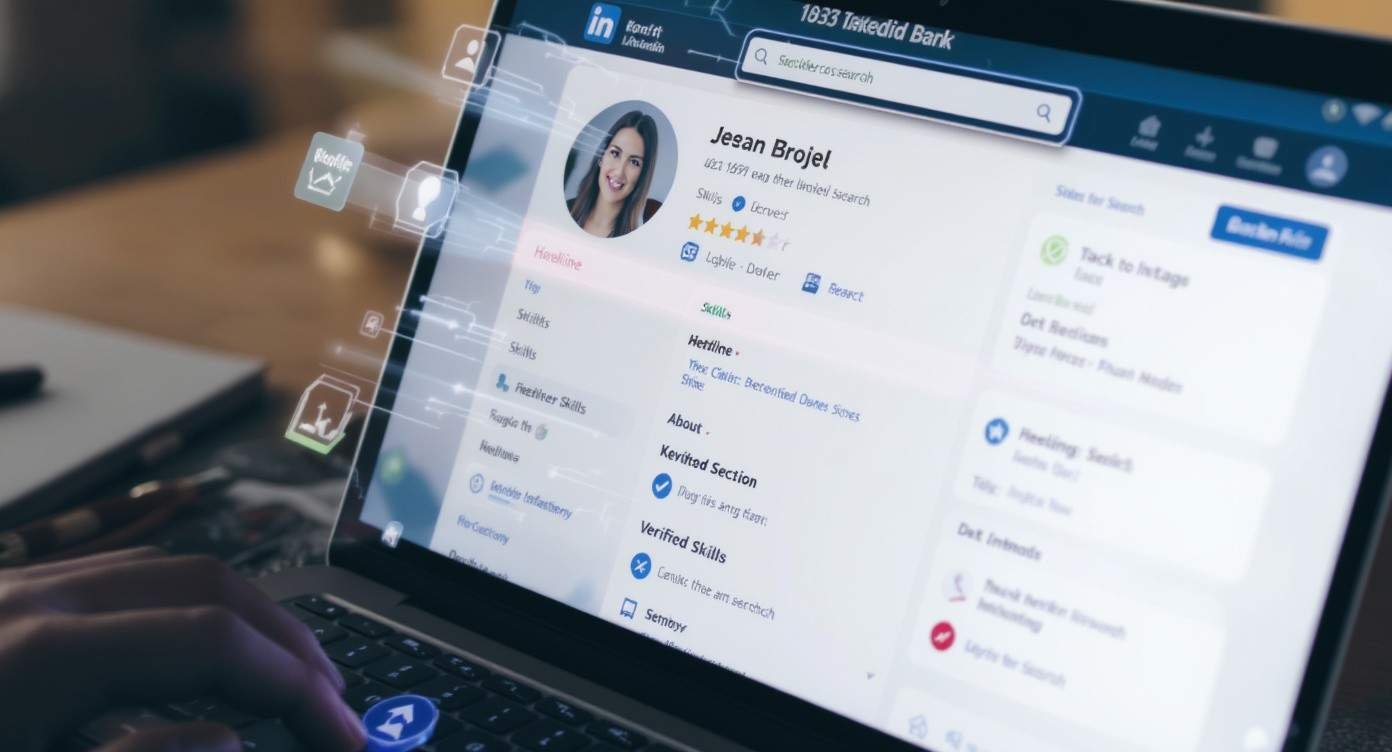
Next, focus on your “About” section. Use the first two lines to state your biggest professional achievement with a clear number. This catches the eye before the “see more” button hides your text. We also recommend updating your skills section frequently. LinkedIn’s current algorithm prioritises “recently verified” skills, so take the assessments provided by the platform to stay ahead of other candidates.
How to Let Recruiters Find You on LinkedIn
You cannot wait for luck to strike. You must signal your availability clearly. The “Open to Work” feature is still the most direct way to show intent. However, you should set this to “Recruiters Only” if you want to maintain privacy while staying visible to headhunters. This setting alerts the back-end LinkedIn Recruiter tool that you are a high-intent lead.
Another way to stay visible is through consistent engagement. When you comment on industry news, you stay at the top of the feed for people in your network. This activity shows you are an active participant in your field. It also helps you learn how to recruit top talent by observing what leaders in your niche talk about.
How to Get Noticed by Recruiters on LinkedIn
Standing out requires more than a good photo. Recruiters look for social proof. Ask your former colleagues for specific recommendations that mention your impact on projects. A profile with five detailed recommendations carries more weight than one with fifty simple endorsements.
You should also share your own insights. Post a short breakdown of a problem you solved recently. This proves your expertise better than any bullet point on a CV could. It positions you as a thought leader rather than just another applicant in a crowded inbox.
How to Search for Recruiters on LinkedIn
Do not wait for them to find you. You can take control by finding the people who hire for your dream roles. Use the LinkedIn search bar to look for “Technical Recruiter” or “Talent Acquisition” plus your target company name.
Once you find them, look at their recent activity. Are they posting about specific roles? Do they share advice on their company’s culture? Knowing these details gives you a massive advantage when you finally send a connection request.
How to Reach Out to Recruiters on LinkedIn
The “cold” message is an art form. Most people send long, boring paragraphs that get deleted immediately. Keep your message under three sentences. State who you are, what specific role you are interested in, and ask one clear question.
For example, ask if they are still accepting applications or if they have a preferred format for portfolios. This lowers the “cost” of replying for the recruiter. If you want to see how the other side operates, you can read about what it is to understand their daily pressures.
How to Connect with Recruiters on LinkedIn
When you send a connection request, always add a note. A blank request looks like spam. Mention a shared connection or a recent post they wrote. This small effort increases your acceptance rate by over 50%.
Once they accept, do not pitch them immediately. Give it a day. Then, follow up with a brief message thanking them for the connection and mentioning your interest in their company. This builds a professional bridge rather than a transactional one.
How to Get Recruiters to Contact You on LinkedIn
The ultimate goal is to have the roles come to you. This happens when your profile matches the “Ideal Candidate Profile” that recruiters build in their software. Ensure your location is set to where you actually want to work, even if you are currently elsewhere.
Keep your “Featured” section updated with your best work samples or a link to your personal website. If you are interested in the industry itself, you might even want to learn how to become a recruiter to see the game from the inside. For those in the tech space, look into scalable recruitment solutions for startups to see what modern companies value.
FAQ
How do I make my profile private from my current boss?
You can adjust your privacy settings to hide your “Open to Work” status from people at your current company. While no system is perfect, LinkedIn uses email domains to filter these views.
Is LinkedIn Premium worth it for job seekers in 2026?
Yes, if you use the “InMail” feature and the “Applicant Insights” tool. It shows you how you rank against other applicants for specific jobs, which helps you decide where to focus your energy.
How many people should I message per day?
Focus on quality over quantity. Aim for 3 to 5 highly personalised messages daily. Mass-messaging leads to low response rates and can flag your account as spam.
Summary
Understanding how to use LinkedIn for recruitment requires a shift from passive hosting to active networking. Your profile is not a digital filing cabinet; it is a live marketing landing page. We have shown that success in 2026 depends on three core pillars: searchable optimisation, strategic visibility, and human-centric outreach. By aligning your keywords with recruiter search filters and maintaining an active presence in industry discussions, you bypass the “black hole” of traditional application portals.
We recommend auditing your profile every quarter to ensure your skills reflect the current demands of your niche. Remember that recruitment is fundamentally about trust and timing. When you provide clear evidence of your value through a verified skills list and thoughtful engagement, you reduce the risk for the recruiter. This positions you as the obvious choice for the role. Implement these steps today to transform your LinkedIn account from a static resume into a lead-generation machine that attracts the best opportunities in your field.
